
10 Browser Fingerprinting Techniques: Signals and Limits
Understand ten browser fingerprinting techniques, from canvas and WebGL to headers and storage, and measure stability without mistaking devices for people.
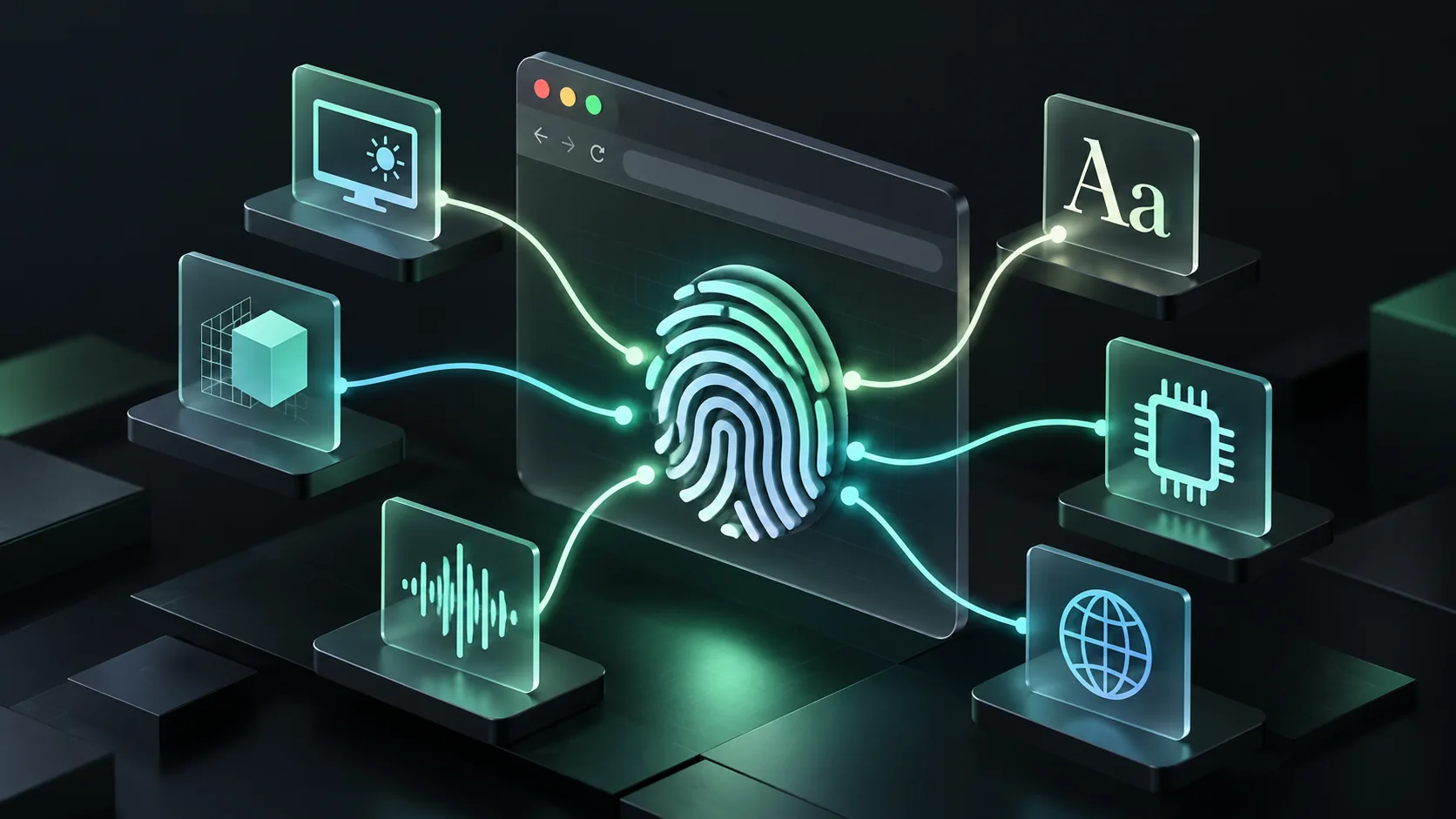
Browser fingerprinting techniques combine observable browser, device and connection attributes to recognize a returning environment. Common inputs include canvas output, WebGL, audio processing, fonts, screen properties, language, headers, storage behavior and network metadata. No individual signal proves identity, and a browser fingerprint is neither a permanent hardware serial number nor a verified person.
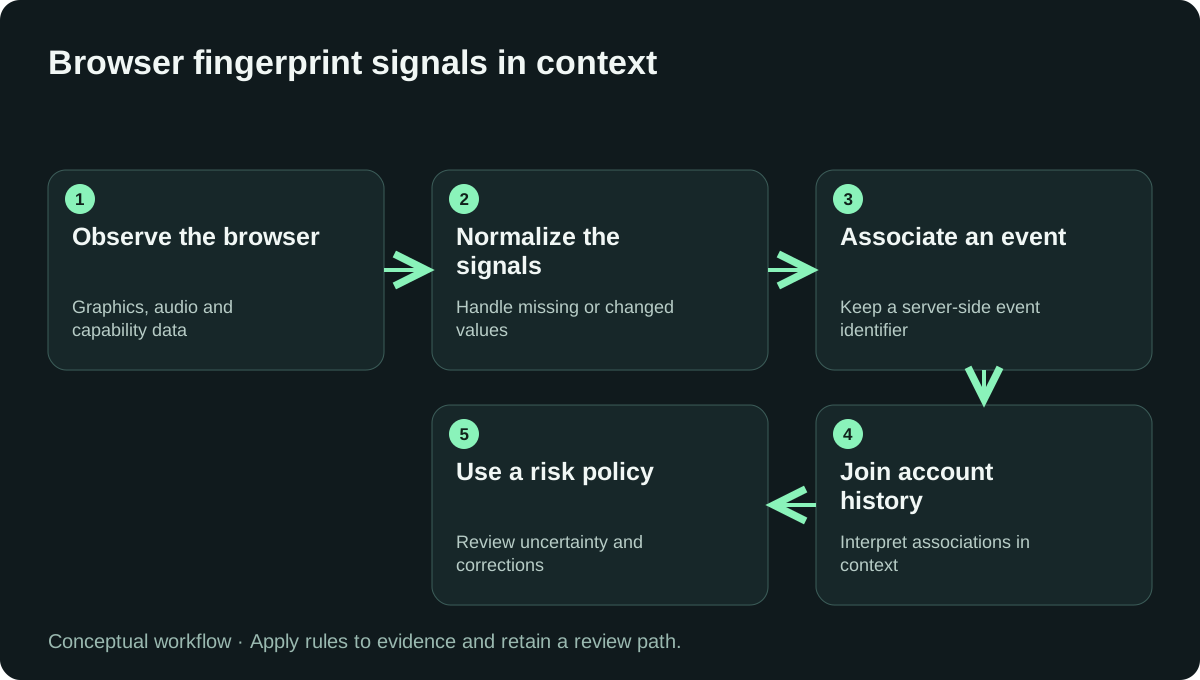
This guide separates what a website can observe from what a fraud team can conclude. The distinction matters for signup analysis, returning visitors and account investigations as much as it does for wallet-based campaigns.
What does a browser fingerprint actually measure?
A fingerprint describes an observed environment at a point in time. A provider may combine observations into an identifier and add matching logic or historical context. Recognition can become harder when a browser changes, restricts an API or deliberately reduces observable variation.
The plain-English tour of browser signals is companion reading. The ShieldLabs browser fingerprinting guide describes the use of these observations in a detection workflow.
Which browser fingerprinting techniques are commonly used?
| Technique | Observation | Useful interpretation | Main limitation |
|---|---|---|---|
| Canvas rendering | Output of a specified drawing operation | Rendering environment | Output can be normalized or altered |
| WebGL | Graphics capabilities and rendering | Graphics-stack context | Similar devices can share values |
| Audio processing | Output of a defined audio graph | Processing implementation | Requires careful stability testing |
| Font measurements | Font availability or text dimensions | Software configuration | Browser restrictions and font changes |
| Screen properties | Dimensions and display-related values | Session consistency | Resizing and external displays |
| Locale and timezone | Language and time settings | Context and consistency | Travel and user preferences |
| Hardware hints | Exposed CPU or memory-related values | Coarse environment context | Values may be rounded or limited |
| HTTP headers | Request and negotiation properties | Client behavior | Proxies and software versions |
| Storage behavior | Availability and lifetime of local state | Continuity and collection conditions | Privacy settings and deletion |
| Network metadata | Transport or connection observations | Client and network context | Usually not a unique device identity |
1. Canvas rendering
The Canvas API lets software draw graphics and text. A fingerprinting implementation can compare the output of a specified operation. The operation, browser and rendering environment all affect the observation. Different results do not automatically mean different people, and matching output does not prove the same device.
2. WebGL observations
WebGL exposes graphics functionality. Available capabilities and rendered output can contribute to environment comparison. A team should distinguish an unavailable API from a suspicious result: enterprise settings, unsupported hardware or privacy controls can limit collection without indicating fraud.
3. Audio processing
An offline audio graph can produce a deterministic test buffer within a given implementation. Comparing that output is commonly called audio fingerprinting. It is different from recording a microphone or identifying a song. Our audio fingerprinting guide explains the collection boundary and an evaluation method.
4. Font availability and text measurement
Font-related checks inspect software configuration or the dimensions of rendered text. Installed fonts, browser behavior and language support can influence results. Treat a change as a possible environment change rather than evidence that an account has changed owners.
5. Screen and display properties
Screen dimensions, viewport dimensions and related values offer useful context but limited identity on their own. A laptop connected to a monitor can legitimately look different from the same laptop used on a train. Include that ordinary change in any continuity test.
6. Language and timezone
Locale preferences and timezone can help investigate inconsistent sessions. They do not prove physical location. A traveler, multilingual user or manually configured workstation may show an apparent mismatch. Join these observations to other evidence before escalating an account decision.
7. Hardware-related hints
Browsers may expose coarse CPU, memory or platform hints. Availability and precision differ. A value rounded for privacy is an observation about the browser interface, not a reliable inventory of the physical machine. Avoid building policy around one hardware hint.
8. HTTP request characteristics
Headers and their combinations describe how a client makes a request. They can help assess consistency between a claimed browser and observed behavior. They can also change through browser releases or intermediaries. Transport fingerprints such as JA4 are a separate network layer, described by FoxIO's JA4 project.
9. Storage and state continuity
Cookies and local storage are stateful identifiers; they are not the same mechanism as deriving a fingerprint from browser attributes. A commercial identification service may use several methods. The DEV comparison of fingerprinting and cookies explains why that distinction affects a build-or-buy decision.
10. Connection and transport context
IP reputation, connection type and TLS observations can enrich a session. Many unrelated devices can share a network fingerprint or public address. See the JA4 explanation on DEV for a focused discussion of the transport layer.
How can you test fingerprint stability without misleading yourself?
Use known test environments and record the collection conditions. Repeat visits on one laptop are a starting check; they do not establish separation between unrelated devices. Measure changes and collisions independently, then evaluate any account policy built on top.
- Fix the test operation and record browser and SDK versions.
- Repeat collection on the same environment over time.
- Add ordinary updates, display changes and network changes.
- Include separate devices with similar configurations.
- Record missing observations and collection failures.
- Review mistaken matches separately from missed returns.
For illustration, 12 missed links in 400 known return visits represent a 3% missed-return rate in that cohort. This is a calculation example, not an observed result. It cannot establish a person-identification rate or performance on untested platforms.
How does fingerprinting relate to visitor analytics?
Visitor analytics counts identifiers under a tool's rules. One person using several devices can create several visitors, while a shared device can represent several people. The Medium explanation of unique visitors and ShieldLabs new-versus-returning visitor guide discuss this measurement boundary.
The same caution applies to cookieless visitor identification and anonymous visitor personalization. A returning environment can support continuity of preferences; it should not reveal account data or bypass authentication. Apply access rules independently of recognition.
Where can you compare browser fingerprinting tools?
Start with our device fingerprinting provider comparison. The browser fingerprinting API directory provides a focused shortlist, and ShieldLabs identification describes one implementation approach. Compare the result contract and supported environments rather than raw signal counts.
For alternate explanations, read the DEV techniques article or Hashnode techniques article. Disclosure: these related publications and comparison sites are part of the project portfolio. They are attributed editorial sources, not independent benchmark evidence. This guide was updated in 2026; source-specific corrections can be sent to RubyScore.
Compare tools for this workflow
For a documented shortlist and a provider-selection checklist, read 10 Best Device Fingerprinting Solutions for Fraud Prevention.
Frequently asked questions
Can a website read a permanent hardware ID from my browser?
A normal website does not receive a universal permanent hardware serial number through these techniques. Fingerprinting combines available observations and matching logic. Browser restrictions, changes and similar configurations limit what can be inferred.
Does browser fingerprinting require cookies?
Deriving a fingerprint from browser attributes does not require storing a cookie. An identification product may still combine fingerprinting with cookies or other state. Review the actual implementation and its privacy obligations rather than infer them from the word cookieless.
Is JA4 a browser fingerprint?
JA4 describes aspects of network handshake behavior. It can enrich browser or bot analysis, but it is not an exact browser or person identifier. Multiple clients may share a value, and intermediaries affect what a server observes.
Does an unusual fingerprint prove fraud?
No. Privacy software, unsupported APIs and unusual legitimate configurations can affect observations. Evaluate account context, the protected action and review outcomes before treating an inconsistency as grounds for enforcement.
Sources and editorial review
Reviewed on October 27, 2026 by RubyScore Research. Product capabilities are attributed to the linked vendor documentation. Send source-specific corrections to RubyScore.
[1] medium.com reference.
[2] 10 Browser Fingerprinting Techniques Explained.
[3] Canvas API - Web APIs | MDN MDN MDN Mozilla.
Further sources for browser fingerprinting techniques
These references cover specific parts of the workflow discussed above. Provider explanations, product pages, documentation and controlled demos have different evidential roles; the notes state how each source should be used.
| Source | How to use it in this workflow |
|---|---|
| First Request Detection With HTTP/2 Header Fingerprints for Defenders | Background on What HTTP Headers Reveal About a Client. Verify implementation details in the primary references. |
| JA4 fingerprinting explained: how it improves on JA3, and what it actually identifies | Background on What is JA4 fingerprinting?. Verify implementation details in the primary references. |
| ShieldLabs browser fingerprinting research archive | Navigate the publication archive and inspect the dates and primary sources of relevant articles. |
| ShieldLabs browser fingerprinting research archive — page 2 | Navigate the publication archive and inspect the dates and primary sources of relevant articles. |
| What is canvas fingerprinting? How it works and why it is so stable | Background on How canvas fingerprinting works. Verify implementation details in the primary references. |
| What is font fingerprinting? How your installed fonts identify you | Background on How font fingerprinting works. Verify implementation details in the primary references. |
| What is TLS fingerprinting? How JA3 and JA4 identify a client | Background on How TLS fingerprinting works. Verify implementation details in the primary references. |
| What is WebGL fingerprinting? How the GPU gives a device away | Background on How WebGL fingerprinting works. Verify implementation details in the primary references. |
| What is WebRTC fingerprinting? How it reveals a real IP behind a VPN | Background on How WebRTC fingerprinting works. Verify implementation details in the primary references. |
Filtering bots before your next campaign?
RubyScore filtered 500,000+ bots for Somnia and 243,000+ for Linea using on-chain reputation and Proof-of-Human ID.
Get Score


