
Audio Fingerprinting in Browsers: Methods, Tests and Limits
Learn what browser audio fingerprinting measures, how OfflineAudioContext differs from microphone recording, and how to test stability and collisions.
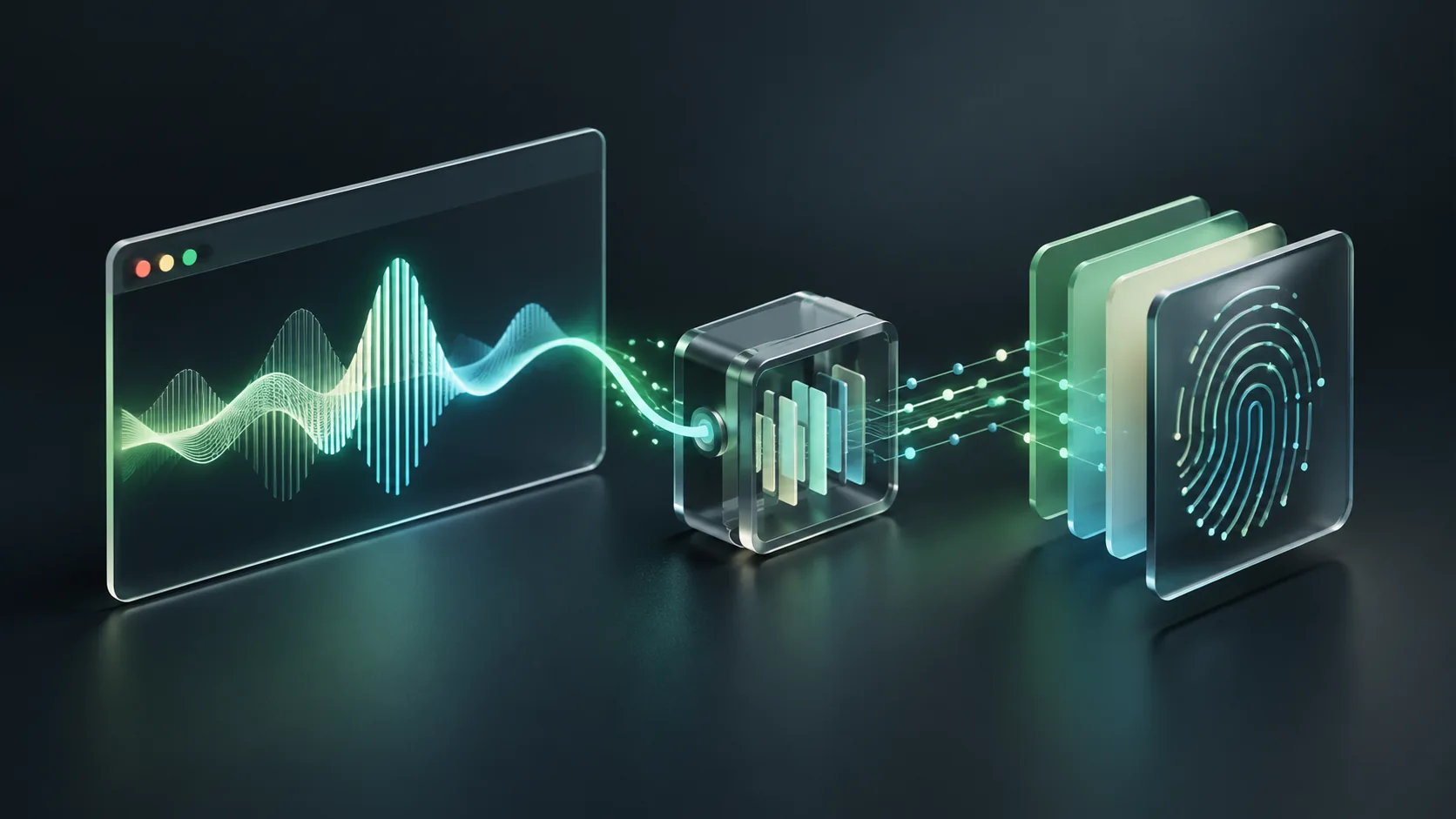
Browser audio fingerprinting compares the output of a defined audio-processing operation to help recognize an environment. An implementation can render an audio graph with OfflineAudioContext and derive features from the result. This does not require recording the microphone, does not identify a song, and cannot independently establish who is using a device.
The phrase audio fingerprinting also describes matching media recordings. That is a different problem. For fraud and visitor recognition, the relevant question is how much stable, distinguishing information a browser's processing behavior contributes to a wider identification system.
What does OfflineAudioContext do?
MDN's OfflineAudioContext reference describes rendering an audio graph to a buffer without playing it through an audio output device. A fingerprinting implementation can define the input and processing steps, then compare characteristics of the rendered buffer across observations.
The Web Audio mechanism does not itself supply an identity database, a fraud label or an account graph. Those are separate implementation choices. ShieldLabs' audio fingerprinting explanation provides additional context for using audio observations within browser identification.
How is browser audio fingerprinting different from other audio tasks?
| Task | Input | Output | What it cannot establish alone |
|---|---|---|---|
| Browser audio fingerprinting | A specified generated audio graph | Processing features or derived signature | A person's verified identity |
| Song recognition | Recorded media | A likely matching recording | Who owns the browser |
| Voice biometrics | A person's speech sample | A speaker-related assessment | Browser rendering configuration |
| Microphone capture | Live audio with the required access | Recorded sound | A durable device identity |
Keep those concepts separate in both product copy and technical evaluation. A browser test that does not access a microphone should not be described as listening to conversations. Equally, avoiding microphone capture does not eliminate the privacy implications of recognition.
Which parts of an audio fingerprint need testing?
The test definition
Record the graph, sample rate, buffer handling and any feature extraction. Two implementations using different operations should not be assumed to produce comparable values. Keep a version with each result so a change in your test does not look like a change in the visitor.
Repeatability on one environment
Run the same operation repeatedly under the same documented conditions. Then introduce ordinary browser updates and supported configuration changes. The useful output is a measured continuity record, including failures and missing data, rather than a claim that the value can never change.
Separation across environments
Test unrelated environments, including similar hardware and software. A signature may be repeatable while being shared by many browsers. Repeatability and uniqueness are different properties; neither establishes the reliability of a full identification service by itself.
Privacy protections and unavailable APIs
Collection can be restricted, normalized or altered. Store an explicit unavailable state instead of replacing missing data with a signature that accidentally groups unrelated users. A privacy-conscious configuration is not evidence of malicious intent.
How should an audio fingerprinting pilot be designed?
Start with a matrix of known environments and versioned observations. This is an evaluation method, not a claim that we tested a specific provider. It can help a team decide whether audio features add useful information beyond its existing browser signals.
- Describe the purpose: returning-browser recognition or consistency review.
- Define the exact audio operation and feature extraction.
- Record browser versions and supported environments.
- Collect repeat observations with consent and appropriate safeguards.
- Add similar but unrelated environments to test collisions.
- Count missing results, changed signatures and mistaken links separately.
- Compare the full system with and without the audio feature.
For an illustrative test of 200 repeated observations, 10 changed signatures mean a 5% change rate for that test. A second test might find collisions among different environments. Neither figure should be marketed as a global device-identification accuracy rate. Both need a cohort definition and repeatable test conditions.
Does an audio signature help detect bots or anti-detect browsers?
It can contribute context when considered with other observations, but an audio value is not a universal bot test. A client may expose ordinary output while automating actions. A legitimate privacy tool may alter output without abusing the application. Compare consistency and account behavior rather than block on one signature.
Our anti-detect browser guide discusses the wider environment. The Hashnode anti-detect browser article adds implementation context. For a buyer shortlist, the anti-detect browser detection comparison distinguishes tools serving this problem.
Audio processing also cannot tell you whether a specific network connection is residential, proxied or a VPN. That requires a separate observation layer. The browser techniques guide shows where audio belongs among graphics, headers, storage and network context.
What should you ask an identification vendor?
Ask for the result and evaluation contract rather than a list of obscure signals. The device fingerprinting API comparison can help form a shortlist. ShieldLabs device intelligence is one vendor's description of a broader device layer.
- Is audio collection optional, and what happens when it is unavailable?
- Is the feature used for recognition, risk, consistency, or all three?
- How are normal browser changes handled?
- What are the measured collision and missed-return rates in a defined cohort?
- Which data is stored, for how long, and how is deletion handled?
- How is a server-side result associated with the protected account action?
Disclosure: the related ShieldLabs articles and comparison sites linked here are part of the project portfolio. They support further reading, while API behavior is attributed to the platform reference. This article was reviewed in 2026; contact RubyScore for source-specific corrections. No vendor accuracy benchmark is claimed.
Compare tools for this workflow
For a documented shortlist and a provider-selection checklist, read 10 Best Device Fingerprinting Solutions for Fraud Prevention.
Frequently asked questions
Does audio fingerprinting turn on my microphone?
The browser-processing method described here renders a generated audio graph. It does not require microphone capture. A site could separately request microphone access for another feature, which should be evaluated independently.
Is an audio fingerprint unique to every computer?
No universal uniqueness guarantee follows from the technique. Different environments can produce similar results, and one environment can change. Measure collisions and continuity for the actual implementation and supported browsers.
Can audio fingerprinting recognize a person across every device?
No. The observation describes an environment, not a verified person. Cross-device account relationships require additional evidence and careful interpretation. Do not use an audio signature as authentication or proof of account ownership.
Is audio fingerprinting the same as voice fraud detection?
No. Voice fraud detection evaluates calls, speech or related account events. Browser audio fingerprinting evaluates a defined processing operation. The inputs, identity assumptions and failure modes differ.
Sources and editorial review
Reviewed on October 27, 2026 by RubyScore Research. Product capabilities are attributed to the linked vendor documentation. Send source-specific corrections to RubyScore.
[1] OfflineAudioContext - Web APIs | MDN MDN MDN Mozilla.
Filtering bots before your next campaign?
RubyScore filtered 500,000+ bots for Somnia and 243,000+ for Linea using on-chain reputation and Proof-of-Human ID.
Get Score


